Color Season
Your season out of twelve, with the exact shades that light you up and the ones to skip.
Explore the seasons UndertonaGet the app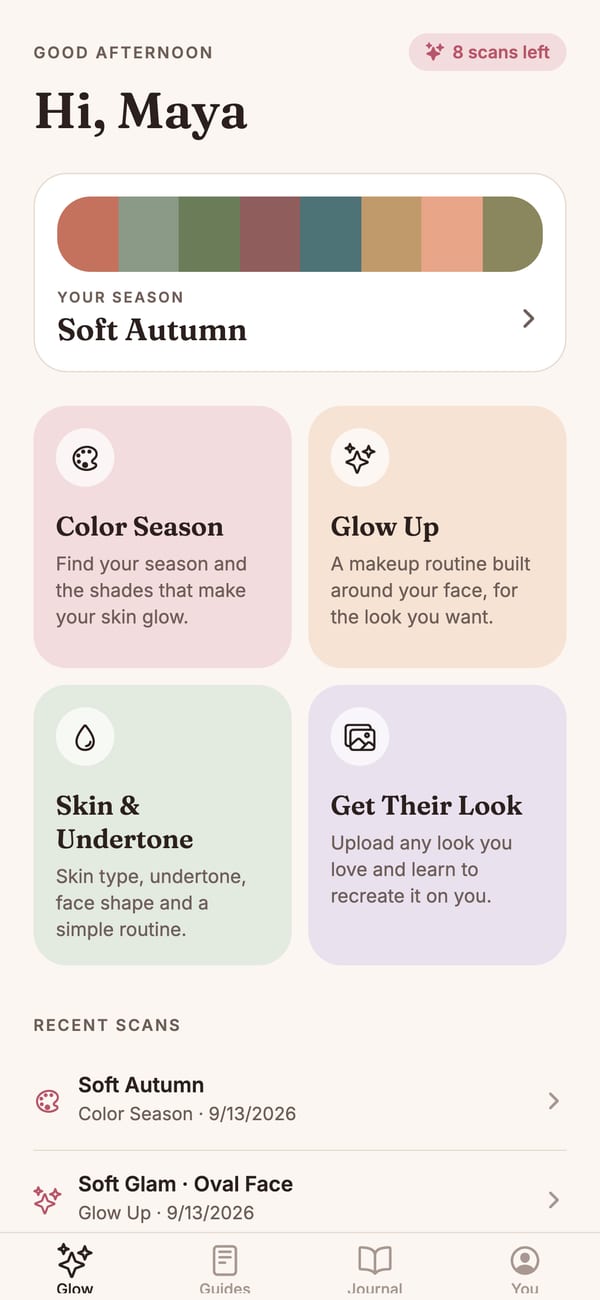
Your color season, a makeup routine built for your face, and the shades that make you glow. Your AI beauty consultant on iPhone.
12 color seasons · 4 scan types · photos never stored
Undertona reads your undertone, contrast and features, so every palette, routine and shade suggestion starts from your face instead of a generic chart.
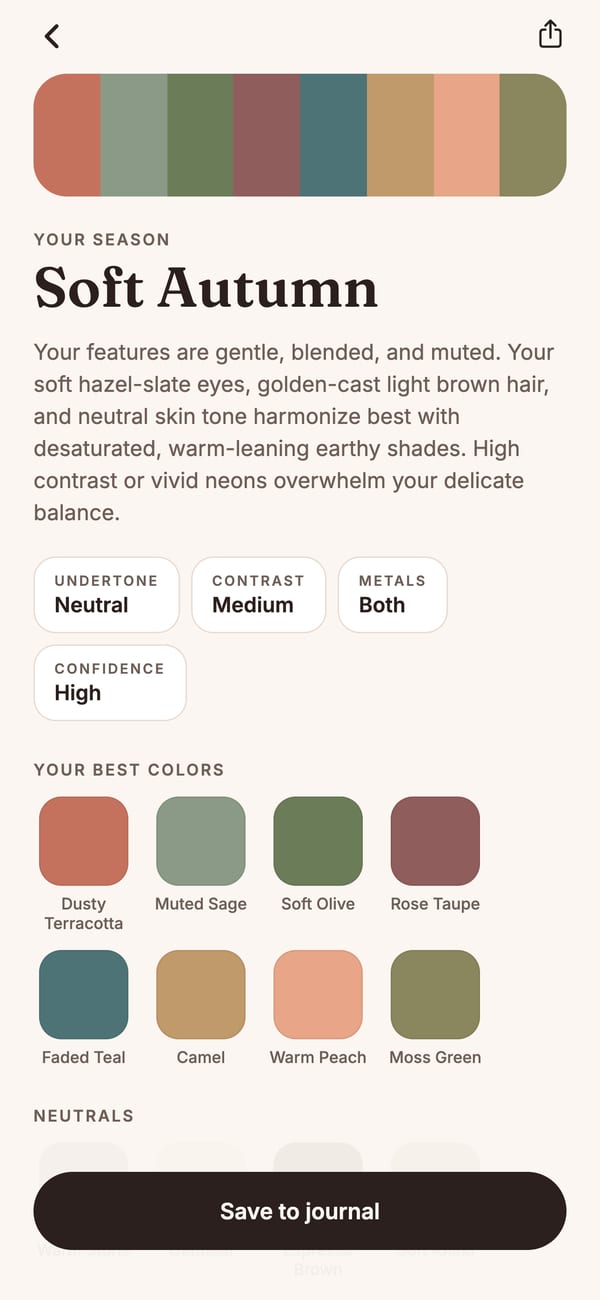
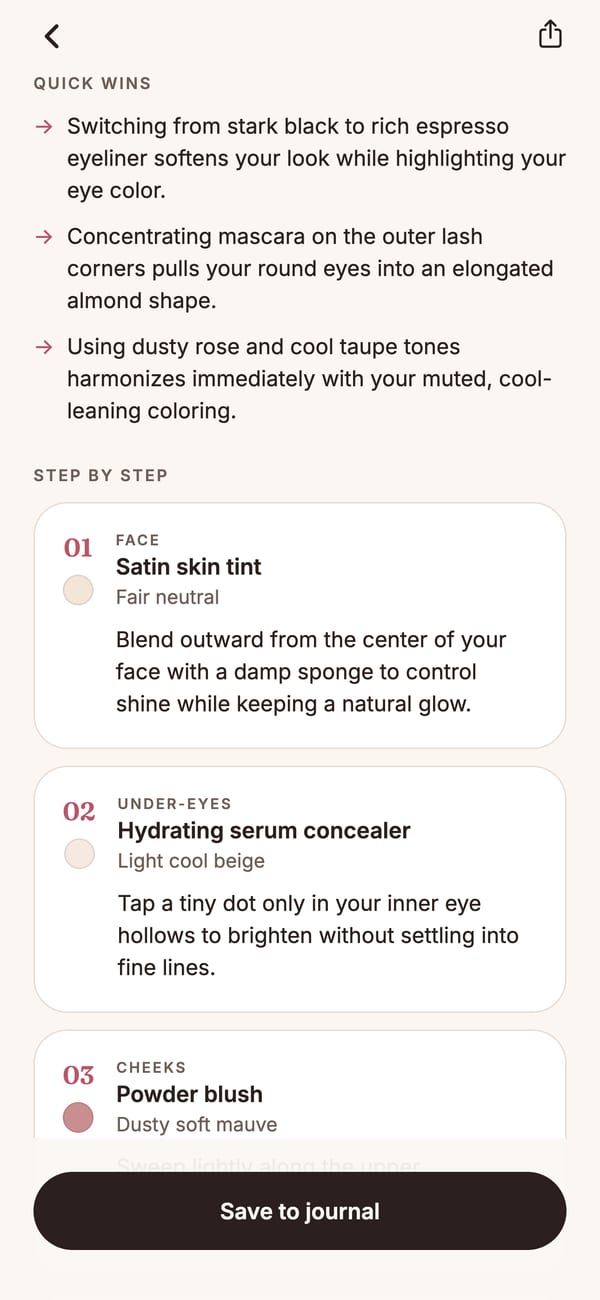
Every selfie should teach you something about your face. Undertona turns one photo into your palette, your routine and the shades worth skipping.
The more Undertona knows about your coloring, the easier every makeup, hair and outfit choice becomes.
Your season out of twelve, with the exact shades that light you up and the ones to skip.
Explore the seasonsA step by step routine for the look you pick, built around your face shape and eye shape.
Try the free quizSkin type, undertone, face shape, a simple morning and evening routine, and where to contour.
Find your undertoneUpload any look you love and learn how to adapt and recreate it on your own features.
Get the appEvery palette with hex codes, plus makeup, hair color and outfit guides for each season.
From selfie to routine in about fifteen seconds. Answer a few questions, take one clear photo, and get results you can save and share.
A few quick questions about the looks you love and how much makeup you wear.
Daylight, no filters. For Get Their Look, add a photo of the look you want.
Your season, palette and a routine built for your features.
Keep every look and come back to it before your next shopping trip.
Selfies are analyzed, then discarded. Only the text result is saved, and you can delete everything from the app.
Practical guides on seasons, undertones and the shades that flatter you.
Undertona Pro is a weekly or yearly subscription that includes 10 scans every week across all four scan types, plus your looks journal. Extra scan packs are available if you need more. Prices are shown in the app before you subscribe.
It is as good as the photo. Daylight, a front-facing angle and no filters or heavy makeup make the biggest difference. Each result shows a confidence level and photo tips when the light was not ideal.
No. Undertona gives cosmetic suggestions only. See a dermatologist for any skin concern.
Subscriptions are managed by Apple. Open Settings, tap your name, then Subscriptions, and cancel at least 24 hours before renewal.
In the app, open You and tap Delete account. This permanently removes your profile, scans and saved looks.
Free to download on iPhone. Find your season in one selfie.